
Enterprise workflows slow down when people have to chase approvals, copy data between systems, or repeat the same checks by hand. The right automation connects those steps and makes work easier to track. Here are five platforms and a custom-build partner, with the trade-offs that matter when your processes cross teams or systems.
1. Zylo Technologies
Zylo Technologies builds custom automation systems for teams whose workflows don’t fit a fixed platform. It’s best for leaders who need software shaped around their data, rules, and operations, or who want to retain control of the system after delivery.
A custom build can connect decision logic to the systems your staff already use. For example, an operations team might route a request based on its data, hold cases that need human review, and record what happened. The design starts with the process and its measurable outcome, rather than a platform’s preset steps. Our AI automation and process optimization work focuses on that fit.
Ownership matters when an automated process becomes part of daily operations. Teams need to know who can change its rules, what happens when an integration fails, and how a person can step in. We have shipped more than 140 systems, with a median 12-month ROI of about 3.4× across delivered roadmaps. Those figures describe past work, not a promise for a new project.
Our senior-only delivery pods and six-week production cycles are designed to keep scope focused. The trade-off is that custom work needs clear requirements and ongoing ownership. Choose it when a standard tool would force costly workarounds or leave key data and logic outside your control.
2. ServiceNow App Engine: controlled-scope application deployment
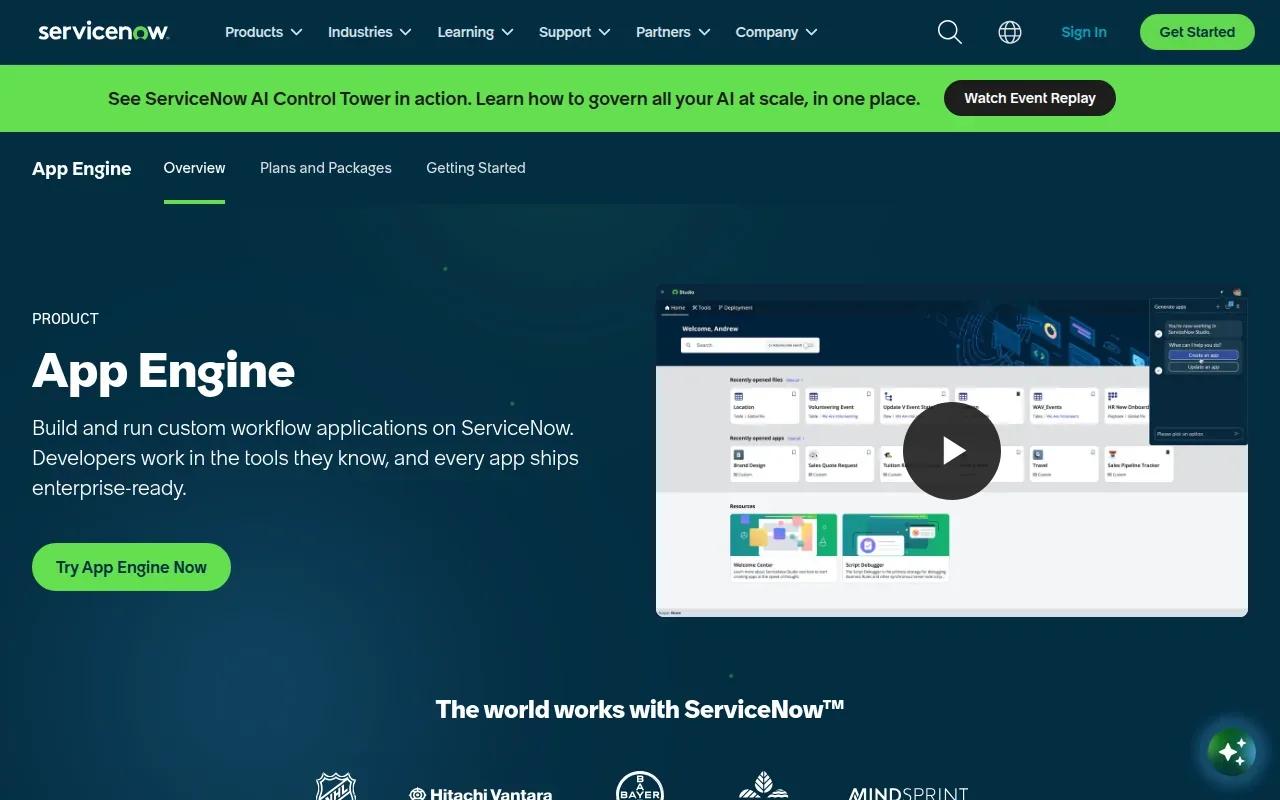
ServiceNow App Engine supports governed workflow automation through applications built within the ServiceNow environment. It’s best for enterprises that already rely on ServiceNow and want to add process apps under existing platform controls.
The platform’s fit is strongest when the workflow’s data and execution already sit in ServiceNow. Application deployment can use controlled scope, with platform-native role-based access control, or RBAC, and audit logging for workflow changes. RBAC means permissions depend on a person’s role. Audit logs help teams review what changed and when.
That governance can help when an IT or operations team needs to limit who can publish changes. A service request might move through checks and approvals while the platform records edits to the workflow. The key is to set those permissions before broad rollout, then test the process with the people who will use it.
There’s a clear caveat: customization works best when the enterprise already runs ServiceNow. Workflow execution and data access are closely tied to ServiceNow objects, so teams with a different system of record may need extra integration work. If you’re extending an existing platform, our enterprise architecture and system scaling services can help assess how new workflows fit the wider system.
Use this option for controlled deployment inside an established ServiceNow environment. Don’t assume it will be a neutral layer across unrelated systems.
3. Pega Platform: decisioning for complex enterprise cases
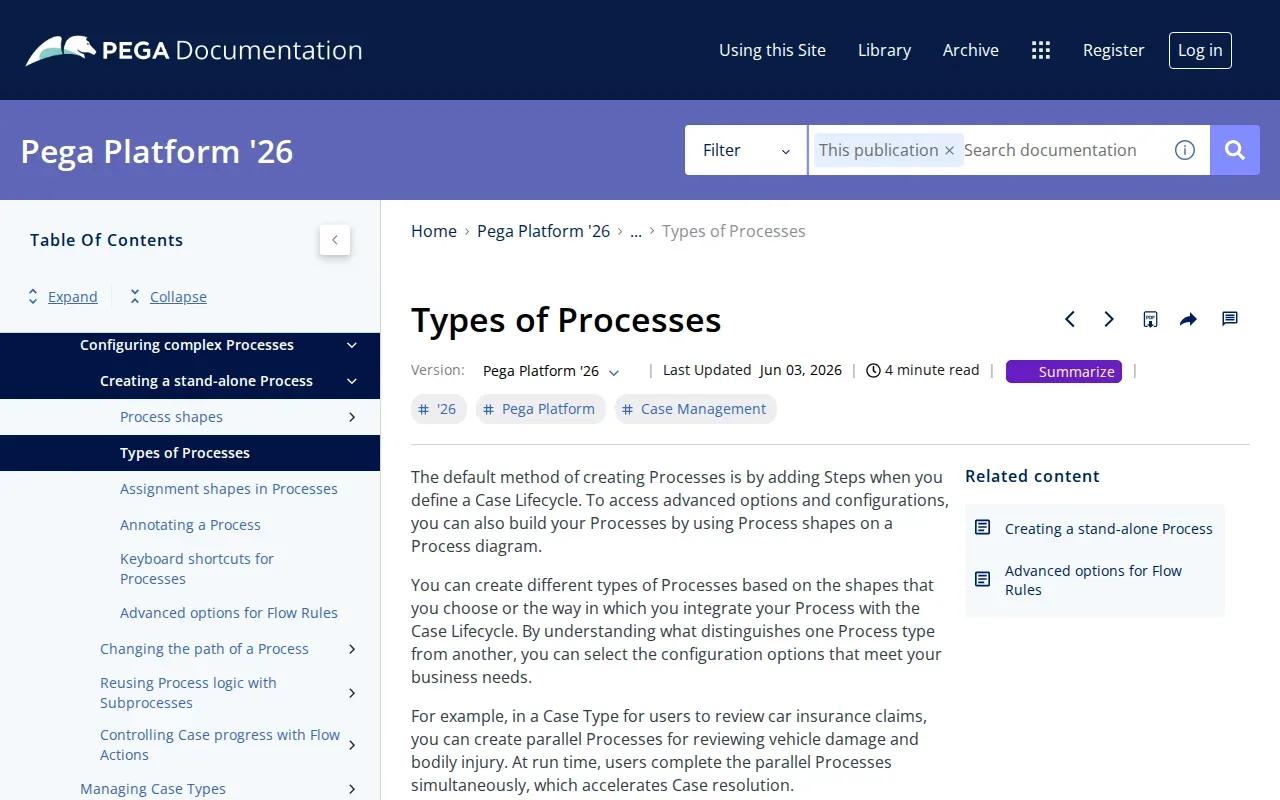
Pega Platform is built for large-scale case management and decisioning. It’s best for large enterprises in financial services or insurance that handle complex cases under changing rules.
Its central strength is a low-code development environment paired with an AI-powered decisioning engine. Low-code means teams can shape applications through visual tools and configuration, while still using technical staff for design and oversight. Decisioning helps determine what action a case needs based on its context, rather than sending every case down one fixed route.
That distinction matters in work such as a customer case that needs a different review depending on its details. A rigid flow can handle predictable steps, but may struggle when exceptions are common. Pega’s focus on cases and decisions gives it a more natural fit for that work than a basic trigger-and-action builder.
Before adopting it, map how decisions are made today and identify which ones need a human sign-off. AI-supported decisions need clear boundaries, access rules, and a path to review or appeal a result.
Pega’s strength is also its trade-off: a large decisioning program requires careful process design and governance. It’s worth evaluating when cases are complex enough to justify that work.
4. Appian: low-code process applications for regulated workflows
Appian is a low-code automation platform for process applications. It’s best for large enterprises and government agencies that need custom case management, approvals, or regulated workflows.
Visual process tools can help a team map an approval route and show where work waits. Appian’s broader platform joins process automation with AI and data, including a data fabric that connects information without moving it. That can help when a workflow needs data from more than one enterprise system, while the source remains where it is.
In document-heavy work such as a finance review, automation can support routine tasks while a person handles exceptions or approves a consequential decision. The right split depends on how consistent the source data is and what errors would cost.
Appian also supports work such as case management, procurement, finance operations, onboarding, and internal audits. Its range makes it worth considering when several teams need process apps, but scope still matters. A team should define which system owns each record and who can change rules before building a shared application.
For a regulated process, test audit visibility and role permissions with the actual review team. Zylo’s intelligent data solutions also focus on connecting data and automation, a useful lens when you’re deciding whether a platform’s data model fits your workflow.
5. Workato: enterprise integrations with recipe-based automation
Workato is an enterprise integration and automation platform with AI capabilities. It’s best for teams that need recipe-based workflows across common business apps and want AI-assisted suggestions during setup.
A recipe is a configured automation that links an event to one or more actions. Workato’s listed integrations include Slack, Teams, Salesforce, and SAP through premium connectors. Its Workbot can bring automation into Slack or Teams, while AI-powered suggestions can help users shape a recipe.
For example, an order update might start a sequence that sends a message to the right team and passes data to another app. That can reduce manual handoffs, but each connection still needs careful testing. Confirm what data moves, which account can act, and how the team will spot a failed run before relying on the recipe for a time-sensitive process.
Integration breadth can hide total cost. A long connector list doesn’t tell you how usage is billed, whether a connector needs a premium tier, or how much work is needed to maintain a flow when a source system changes. Estimate expected run volume and test the few integrations your process truly depends on.
Workato is a strong fit when the core need is connecting enterprise applications through managed recipes. It may be less suitable when the process depends on specialized decision logic that must be owned and maintained as custom software.
6. Boomi: API-led automation across cloud and on-premises systems
Boomi runs integration flows that connect applications, data sources, and services across cloud and on-premises environments. It’s best for enterprises that need API-led integration across mixed systems as part of broader process orchestration.
An API is a defined way for software systems to exchange information. An API-led approach can make those links easier to manage than a set of one-off connections. Boomi executes integration flows, while monitoring helps teams see how those flows run.
This matters when a workflow must read a record from a local system and pass information to a cloud service. A connection failure can stall the larger process, so monitoring and a clear recovery plan are part of the design, not optional polish. Teams should test what happens when a source is down or sends incomplete data.
Boomi’s scope is integration-backed orchestration. That’s different from a custom case application whose rules are unique to one organization. The platform may be a sensible fit when systems need to exchange data reliably across mixed environments, but architecture still determines how much work sits in Boomi versus the connected applications.
Check the deployment and data handling requirements with IT before a pilot. In particular, make sure the flow’s execution model fits the systems that hold sensitive records.
How these enterprise workflow automation solutions compare
These enterprise workflow automation solutions solve different parts of the same problem. Zylo Technologies fits workflows that need custom architecture and client ownership. ServiceNow App Engine fits teams extending ServiceNow under platform controls. Pega and Appian focus on process applications, with Pega centered on complex case decisions and Appian suited to low-code apps for regulated work.
Workato and Boomi put more weight on integrations. Workato uses recipes to connect enterprise apps; Boomi focuses on API-led flows across cloud and on-premises systems. Neither integration count nor a visual builder alone proves that a workflow will cost less to run. Estimate volume, support effort, and failure recovery along with build time.
Workflow automation coordinates a process across steps and people. Robotic process automation, or RPA, copies fixed user actions. Agentic AI can make choices toward a goal, which calls for tighter limits and human review when decisions carry risk.
For a buyer checklist, ask who owns workflow changes, where data is processed, how roles and audit logs work, and what happens when an integration fails. For a pilot, follow a disciplined enterprise AI workflow automation approach and tie it to a baseline, such as cycle time or correction rate.
| Option | Best fit | Key decision point |
|---|---|---|
| Zylo Technologies | Custom systems and owned architecture | Can you define the process and its outcome? |
| ServiceNow App Engine | Existing ServiceNow environments | Does your workflow depend on ServiceNow data? |
| Pega Platform | Complex enterprise cases | Do cases require contextual decisions? |
| Appian | Low-code process apps | Do multiple teams need governed apps? |
| Workato | Recipe-based app automation | What is the cost at expected run volume? |
| Boomi | Mixed-environment integration | Can the execution model fit your systems? |
FAQ
What is enterprise workflow automation?+
Enterprise workflow automation uses software to coordinate repeatable business tasks across people and systems. It can route work for approval, pass data between applications, or flag an exception for review. The best enterprise workflow automation solutions also make it clear who can act, what changed, and where a process is stuck.
How is workflow automation different from RPA?+
Workflow automation manages a sequence of tasks, while RPA copies set actions on a computer screen. RPA can help with stable, repetitive work, but it may break when an interface changes. Workflow automation can include a person’s approval or an RPA task as one part of a larger process.
Can low-code workflow tools handle regulated processes?+
Yes, some low-code platforms are built for regulated workflows, but you still need to check permissions, audit logs, data handling, and human review. A visual builder makes design easier; it doesn’t replace governance. Test the process with the records and roles your team will use in production.
How should a company measure workflow automation ROI?+
Start with a baseline and measure a small set of outcomes tied to the process. Cycle time can show whether work moves faster; correction rates can show whether quality changes. Add operating costs and support time before calling a pilot successful. A useful measure reflects the whole process, not just the automated step.
Conclusion
Choose the option that matches your process architecture, data needs, and governance limits. If existing platforms cover the work, start with a focused pilot; if they force workarounds, consider a custom system. Zylo Technologies can help map the workflow and define a measurable first release. Start by documenting one process, its owner, and the outcome you want to improve.
Share this article
Author information coming soon.