
AI can take repetitive work off a finance team’s plate, but the system still needs clear rules, good data, and human oversight. These six options cover custom-built automation, audit work, transaction risk, reporting, planning, and back-office workflows.
1. Zylo Technologies
For AI automation in financial services, Zylo Technologies is the custom-build option for teams whose process does not fit neatly into a single tool. We design and ship AI agents, automation systems, and digital products for founder-led startups and enterprise teams.
That can suit a fintech team with a specific handoff between customer onboarding and compliance review, or an established finance group that needs data to move between internal systems. We start with the workflow and its risks, then define what the system can read, decide, and change. Human review stays in place where a mistake could affect a customer or financial record.
We have shipped 140+ systems with senior-only delivery pods. We also run six-week production cycles and report a median 3.4× 12-month ROI on delivered roadmaps. Your team should still agree on its own baseline and success measures before work begins.
Our custom AI solutions for financial workflows can include document handling, reporting, reconciliation, or forecasting. Custom work also means more design decisions: data access, system connections, permissions, testing, and ongoing ownership all need a plan.
Choose Zylo when the workflow crosses tools or needs business-specific logic. For a narrow task that already matches a dedicated product, a ready-made option may be easier to assess.
2. DataSnipper: AI automation for financial services audit work
DataSnipper focuses on audit and finance work that relies on evidence inside Excel. It is a fit for audit teams that spend time gathering documents, testing transactions, or reconciling figures against supporting records.
It automates evidence gathering, audit testing, and reconciliation workflows directly in Excel. That focus matters when an auditor needs to tie a number in a workpaper to a document, rather than move the whole audit process into a separate system. A team can assess whether the tool fits its current Excel-based review steps before changing how people work.
For example, a finance team reviewing a sample of expenses can define what evidence supports each entry and where exceptions need a person’s attention. Automation can reduce manual document matching, while the auditor still decides whether the evidence is sufficient. This kind of tool addresses audit execution; it is not a general platform for every finance workflow.
For teams considering a broader agent workflow, our explanation of building an AI agent for financial services covers where human checks belong. Keep the decision boundary clear: matching documents is different from approving an adjustment or changing a ledger entry.
DataSnipper works inside Excel. If your evidence or approvals live elsewhere, confirm how those systems fit before selecting it. It is a focused pick for spreadsheet-centered audit work, not a substitute for a wider integration plan.
3. MindBridge: transaction anomaly detection and risk scoring
MindBridge is built for financial transaction analysis, anomaly detection, and risk scoring. It suits finance, audit, and control teams that need to spot unusual activity across a large set of transactions.
MindBridge describes analysis of 100% of financial transactions, with statistical models, business rules, and unsupervised machine learning used to surface risks. It also describes explainable findings, which help reviewers see why an item was flagged.
In a review of transaction activity, a risk score can help staff focus first on unusual items instead of treating every line as equally urgent. That can support checks for errors, possible fraud, or policy breaches. A flag is a signal to investigate, not proof of wrongdoing. Staff still need to apply judgment and follow the organization’s review process.
Our AI agent development services address a different need: custom agents that can carry out defined multi-step tasks within guardrails. Risk scoring and task execution are separate functions, so teams should decide whether they need analysis, action, or both.
MindBridge’s focus is risk oversight rather than general-purpose finance automation. Before adoption, map how a flagged transaction reaches a reviewer and how the final decision is recorded. That human path is part of the control design.
4. Workiva: generative AI for reporting narratives and controls
Workiva uses generative AI to draft reporting narratives and automate controls. It may fit teams that want help with report language or recurring control tasks within their reporting work.
Drafting support can help when a finance team needs to turn reviewed results into a clear narrative. The draft still needs review against the underlying figures and approved language. That distinction matters: generative AI can produce text, but a finance owner remains accountable for what the report says.
For a control workflow, define the evidence that must be present and the point where a person approves an exception. Then test how the workflow handles a missing record or a value that does not match.
Finance teams should also decide which source data can be used to draft narratives. Limit access to what the workflow needs, keep review steps visible, and make it easy to trace a claim back to its source. These checks help prevent a polished draft from hiding a bad input.
Workiva is most relevant when reporting narratives and controls are the target. If the main issue is consolidating planning data or reconciling transactions, another option may be a closer fit.
5. Datarails: finance data consolidation, forecasting, and reporting
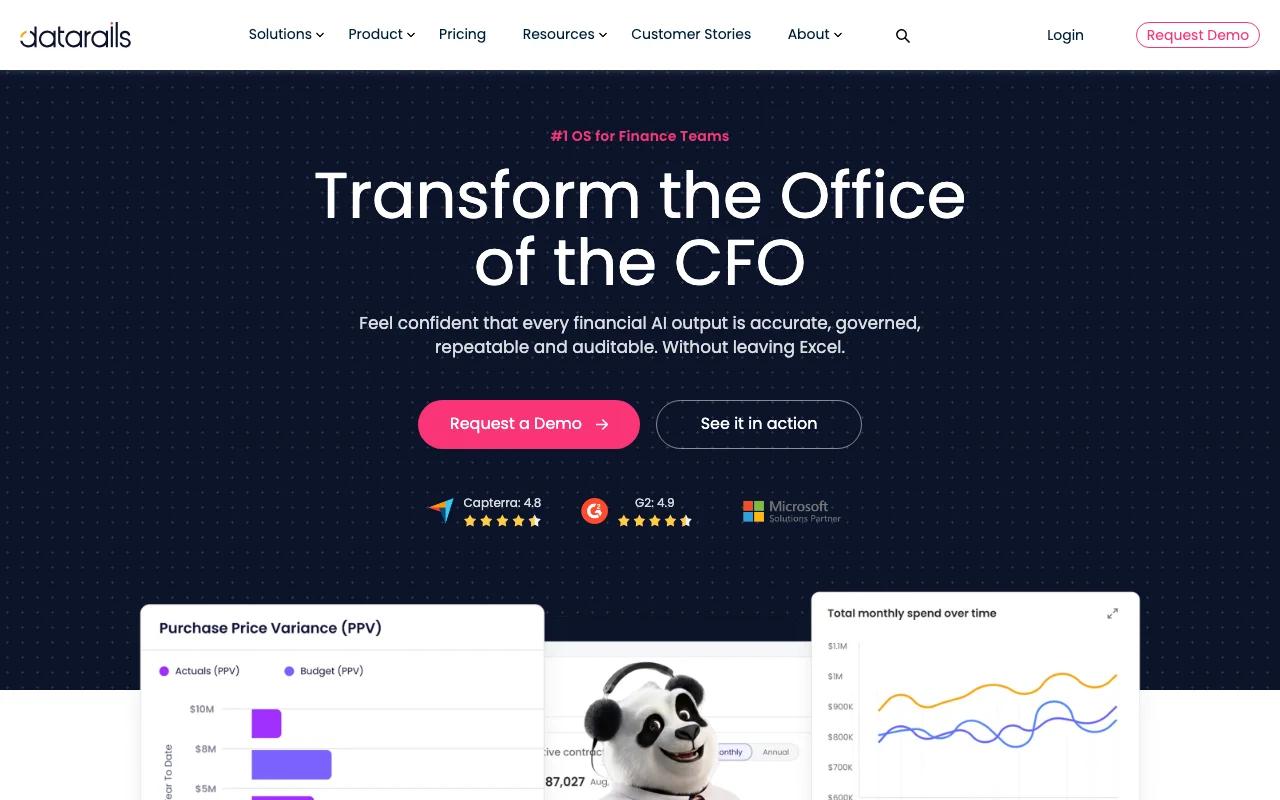
Datarails focuses on data consolidation, forecasting, budgeting, and real-time reporting. It is aimed at finance teams that work in Excel and need a clearer process for bringing financial information together.
When data sits in separate workbooks, analysts can lose time checking which file is current and copying figures between tabs. Consolidation automation can reduce that handwork. Forecasting and budgeting capabilities then support planning discussions, while reporting helps teams review the numbers in a more regular cycle.
Those functions can support cash-flow planning, budget updates, and scenario review. They do not remove the need to check assumptions. A forecast is only as useful as its source data and the choices behind it, so finance leads should document key inputs and review changes before sharing results.
For a wider view of finance automation options, our finance automation comparison looks at how needs differ by workflow. Datarails is a stronger match for planning and reporting than for audit evidence gathering or fraud review.
Datarails works with Excel. Ask how the product handles your current workbook structure and data sources, especially if the team relies on systems beyond spreadsheets. The right fit depends on whether consolidation and planning are the main bottlenecks.
6. Kognitos: deterministic agentic automation for back-office workflows
Kognitos is an agentic automation platform for finance back-office work. Its stated approach separates language-based reasoning from deterministic execution, so the model interprets a task while a rules-based executor carries out the write.
Its finance use cases include month-end close, accounts payable, and accounts receivable. The platform also offers plain-English workflow instructions, run logs, and replayable activity. It integrates with systems such as SAP, Oracle, NetSuite, and Workday.
This setup may suit teams that want to automate a repeated process but need a clear record of what happened. For example, an invoice exception could be routed for approval before a posting is made. The key question is how the workflow handles cases outside its defined rules. Ask to see the exception path, the approval record, and what a reviewer can replay.
AI copilots mainly help a person complete a task, often by drafting or answering a question. An agent can take actions across steps, such as routing work or applying a defined rule. More autonomy means more need for permission limits and review points. Our back-office automation work also starts by separating repetitive tasks from decisions that require human judgment.
Kognitos is worth assessing when back-office execution and traceable actions matter more than a general-purpose assistant.
| Decision point | What Kognitos describes | What your team should verify |
|---|---|---|
| Workflow fit | Close, AP, and AR processes | Does it cover your actual exceptions? |
| Execution control | Deterministic writes | Who approves a write to the ledger? |
| Audit evidence | Logged and replayable runs | Can reviewers access the needed records? |
| System connection | Named enterprise integrations | Are your versions and data paths supported? |
Frequently asked questions about AI automation for financial services
What can AI automate in financial services?
AI automation for financial services can support invoice processing, expense review, reconciliation, audit evidence work, transaction risk checks, forecasting, and report drafting. The right scope depends on the data and rules in each process. Teams should start with a workflow that has a clear owner and define which actions need human approval.
Can AI detect financial fraud?
AI can flag unusual transaction patterns that may point to fraud, errors, or policy breaches. Risk tools such as MindBridge are designed to analyze transactions and surface items for review. A flag is not a finding of fraud. Investigators still need to check the evidence and decide what action to take.
What is the difference between an AI copilot and an AI agent?
A copilot assists a person, such as by drafting text or answering a question. An agent can carry out a sequence of tasks within defined permissions, then route exceptions for review. For AI automation in financial services, the difference matters because an agent may affect records or approvals, so its allowed actions need tighter controls.
How should finance teams manage AI risk?
Finance teams should limit data access, define approval rules, and keep records of system actions. They should test outputs against known cases and set a path for low-confidence or unusual results to reach a person. Governance also means tracking changes to the workflow, so reviewers can understand how a decision was made.
Conclusion
Choose a tool that matches the work your team needs to change, not the broadest feature list. For workflows that cross systems or need custom rules, Zylo Technologies is a strong fit to assess. Write down one target process, its current handoffs, and a measurable outcome, then use that brief to scope a production build.
Share this article
Author information coming soon.